Getting Started with Realistic Ragdoll Physics
Your first session in the No Knees! solo ragdoll sandbox — from join to fan badge, slow motion, and a calm shop skim.
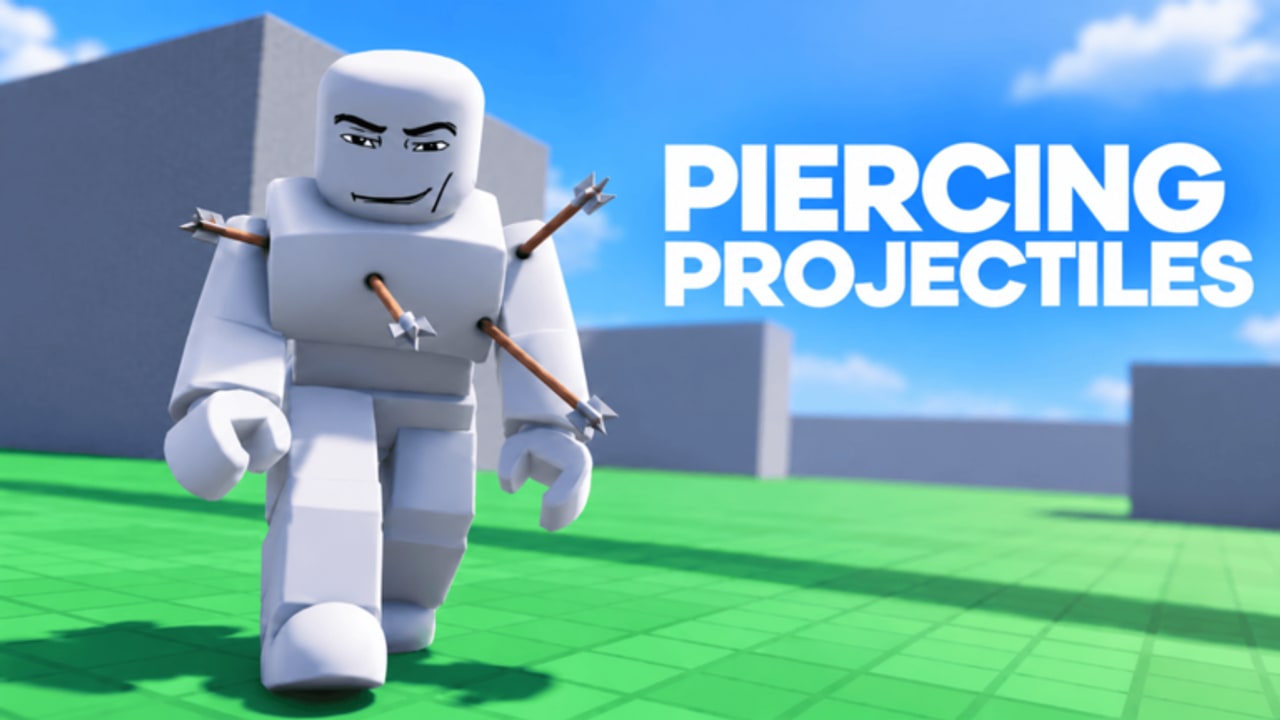
This Getting Started guide is the day-one path for Realistic Ragdoll Physics (official title: Realistic Ragdoll Engine by No Knees!). The experience is free on Roblox, runs as a solo sandbox (listing typically shows Max Players 1), and focuses on NPC dummies with location-based bone and organ damage. You are not grinding a battle pass — you are learning how hits, hazards, and tools interact so every later experiment makes sense.
If you only have twenty minutes, follow the checklist below, then branch into Controls, Weapons, and Maps and Hazards. Keep Badges and Tips open when you want goals or clip habits. For spend decisions later, skim the weapons tier list and game passes. Check Updates after patches, and read Codes so you know there is currently no codes menu.
Before you press Play
- Open the official Roblox experience page for Realistic Ragdoll Engine by No Knees! and confirm you are not joining a similarly named multiplayer ragdoll hangout.
- Expect platforms across Desktop, Console, Mobile, Tablet, and VR. Physics load scales with how many dummies, fires, and explosions you stack — start simple on weaker devices.
- Remember the loop: pick a map, interact with a dummy, inspect injuries, optionally revive, then change one variable and try again.
First-session checklist (do this in order)
1. Join your solo server
Press Play. Roblox places you in a single-player server, so there is no queue for friends and no griefing from other avatars. Spawn, look around, and identify at least one standing dummy before you open the shop.
2. Hit the same dummy in two different places
Use a starter firearm or melee option and land two hits on different body regions — for example a leg then a torso, or an arm then the head. Location matters: legs can drop a dummy into a crawl, arms can go limp, and head trauma escalates severity. This single habit teaches more than buying a loud gun first.
3. Inspect what you just did
Learn injury inspection early. On desktop, hover body parts for injury popups and use doctor mode / press V to inspect injuries in more detail (exact prompts can vary by UI update — if hover does nothing, enable doctor mode in settings). Knowing what broke is how you design the next test instead of spraying randomly. Full input notes live on the Controls page.
4. Earn Against the Wind with the fan
Find the fan or wind-tunnel style launcher and send a dummy flying. The Against the Wind badge is the first clear experiment-style badge many players earn after Welcome. Treat it as proof you understand environmental force, not just bullets. More badge steps are on Badges.
5. Turn on slow motion
Slow motion is not a gimmick — it is the primary readability tool. A two-second staircase tumble becomes a readable sequence of impacts. Enable it before you chase bigger weapons. Cinematic habits expand on Tips.
6. Skim the shop without panic-buying
Open the store tab and note free tools versus Robux purchases. An October 2026 snapshot of Robux shop examples included Balloon 9, TNT 19, Linked Sword 19, Snake Sniper 24, Katana 29, Portal Gun 39, Flamethrower 39, AK-47 49, RPG 50, Harpoon 69, Gravity Gun 89, Nuke 99, Laser Rifle 100, Black Hole 129, and Minigun 129. Prices change — always confirm in-game. Some tools also unlock through play milestones (for example Snake Sniper is often mentioned around the 150 kills range). Pass bundles are separate; see game passes for VIP, Infection Pack, Heavy Arsenal, Explosion Pack, and Unlimited Events (~811 Robux total in that same snapshot era).
What success looks like after one session
You should be able to:
- Join and orient on a map without buying anything.
- Create two distinct injury outcomes on one dummy.
- Inspect injuries with hover / doctor mode / V.
- Launch a dummy with the fan for Against the Wind.
- Toggle slow motion and watch a fall or blast in readable detail.
- Name a few free tools versus optional Robux items without confusing them for codes.
If you can do those six things, you are ready for deeper roster and hazard pages.
Common first-hour mistakes
- Buying the loudest gun immediately. Miniguns and nukes are fun, but freeze-plus-melee or a careful leg shot into a hazard often looks better and teaches more.
- Ignoring slow motion. Without it, impacts blur and you miss how bones and organs respond.
- Spawning endless fresh dummies. Revive with the defibrillator when available, or reset thoughtfully, so performance stays stable — especially on Mobile.
- Chasing fake codes. There is no codes redemption UI in Realistic Ragdoll Physics right now. The Codes hub exists so players stop wasting time on invented lists.
- Expecting friend lobbies by default. Listing-checked play is solo-first. Friends cannot share your physics lab in the same server.
Platform notes for day one
Desktop gives the cleanest aiming and hover inspection. Console and VR work but need comfort with your platform’s aim assist and camera. Mobile and Tablet are fully supported; lower Roblox graphics quality before stacking fire, C4, and crowds. First-person view helps precision aiming on every platform — details on Controls.
Where to go next
- Controls — PC, mobile, console, VR, doctor mode, camera.
- Weapons — full tools roster and use cases.
- Maps and Hazards — stairs, honey, blender, lava, and more.
- Badges — Welcome, Blast Off!, Against the Wind, Fed The Shark!.
- Tips — combos, clip workflows, performance.
- Weapons tier list and game passes — spend priority.
- Updates — patch awareness after No Knees! ships changes.
Finish this first session with one intentional experiment written down: for example “leg shot into honey pit in slow motion” or “fan launch into brick wall.” That lab mindset is the real onboarding for Realistic Ragdoll Physics.
Frequently Asked Questions
Quick answers for Realistic Ragdoll Physics players.
Is Realistic Ragdoll Physics free?
Yes. Joining the Roblox experience is free. Optional Robux weapons and game passes exist in the shop, but the core sandbox loop works without spending.
What should I do in my first session?
Join solo, hit one dummy in two places, inspect injuries, launch a dummy with the fan for Against the Wind, enable slow motion, then skim the shop without rushing purchases.
Are there codes to redeem on day one?
No. The game currently has no codes menu. See the Codes hub for status updates and ignore third-party lists that invent redemption steps.
Can I play with friends?
solo servers only. Servers are solo so you control dummies, hazards, and slow motion without other players interfering.
Which badge should I chase first after Welcome?
Against the Wind — launch a dummy with the fan. It teaches environmental force early and is clearly documented compared with rarer badges.