Realistic Ragdoll Physics Command Menu Scripts Overview
What admin-style GUIs claim to offer in Realistic Ragdoll Physics—and the risks attached.
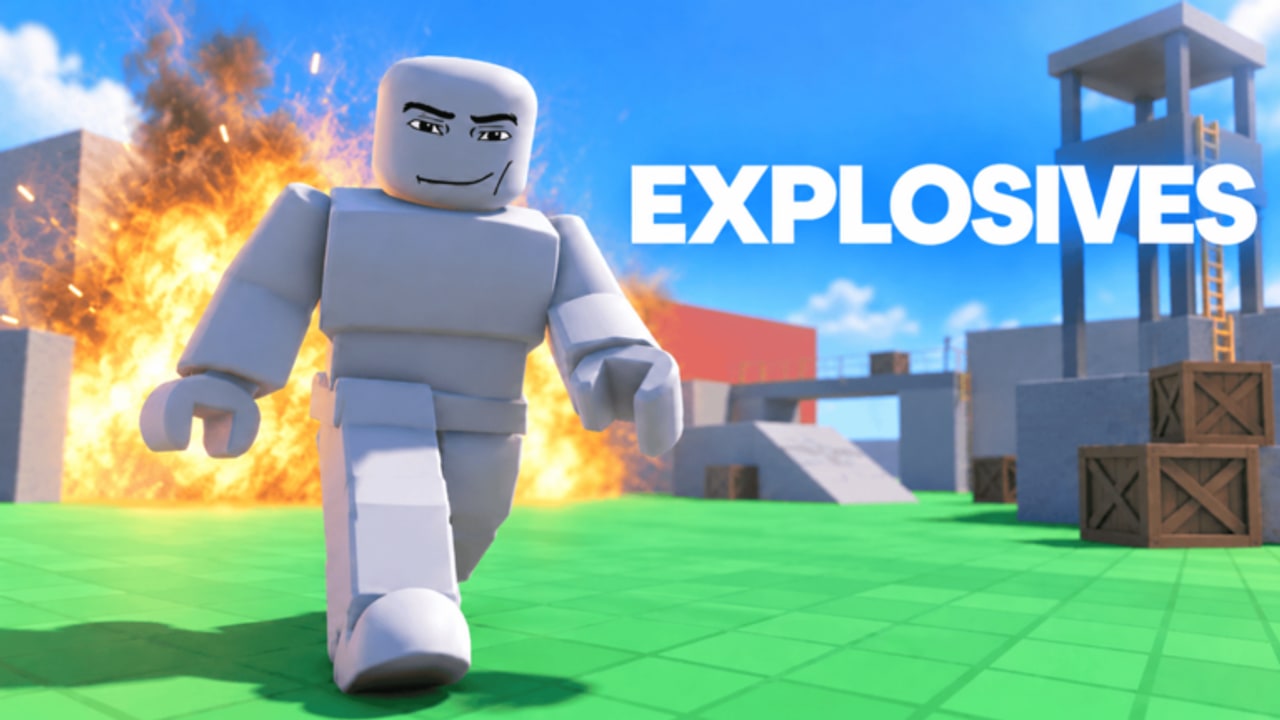
Community command menu scripts for Realistic Ragdoll Physics (Realistic Ragdoll Engine by No Knees!) wrap dozens of toggles into a single on-screen GUI. Players search for them because the sandbox has unlockable weapons, optional Robux packs, and physics toys that feel slower when done entirely by hand.
This page explains the shape of those menus, the feature buckets they usually expose, and why this wiki still refuses to host them. For the wider risk policy, return to the Scripts Hub. For a feature-by-feature breakdown, open script features.
What a “command menu” usually is
Most menus marketed for this place are floating windows with tabs such as Main, Combat/Farm, Movement, World, and Misc. Authors copy the look of classic Roblox admin GUIs: search boxes, sliders, and big Execute buttons. Typical claims include:
- One-click kill farm or auto unlock helpers
- Time stop / slow motion switches
- Grab reach sliders (sometimes advertised up to extreme distances)
- Reset dummies and revive everyone buttons
- WalkSpeed, JumpPower, gravity, infinite jump, noclip
- Map teleports between experiment areas
- Weather presets (sunny, rain, night)
- Premium-gated chaos toys (nuke, black hole, zero gravity, freeze, fire) on some builds
- Anti-AFK or lock-walkspeed utilities
None of these are official No Knees! features delivered through an authorized admin panel. They require a third-party executor injecting client code. Solo server size (1) does not legalize that injection.
Why players install them anyway
Fair reasons people want a menu—even if we advise against it:
- Faster unlock loops. Weapons and mastery-style progress can feel grindy; farms promise shortcuts.
- Sandbox photography. Time stop and weather toggles make cinematic clips easier.
- Reach and reset QoL. Grabbing distant dummies or clearing a messy floor is tedious by hand.
- Curiosity. The game is about breaking bodies with physics; breaking the client feels adjacent.
Want cinematic control without unauthorized tools? Learn the legitimate sandbox options and shop packs first via getting started, then decide if a Robux pass already covers the feel you want.
Safety checklist before you even think about a menu
- Account risk: Roblox can moderate clients that inject unauthorized code.
- Malware risk: “Free executor + menu” bundles are a common stealer vector.
- Key systems: Many menus gate features behind Discord keys or paid unlocks—extra phishing surface.
- Obfuscation: If you cannot read what a loadstring fetches, you cannot audit it.
- Social engineering: Pages that refuse to mention bans while promising “undetected forever” are selling fantasy.
- No hosting here: We will not paste loadstrings, mirror hubs, or rank underground sites. Read features, then walk away if the risk is not worth it.
If anything in that list feels uncomfortable, stop at the Scripts Hub overview and play normally.
How these GUIs typically organize controls
Understanding the layout helps you evaluate screenshots and avoid fake UIs:
Main / Player tab
WalkSpeed, JumpPower, infinite jump, noclip, anti-AFK, sometimes “lock” toggles that re-apply values every frame. These are the most generic Roblox cheats and the easiest for automated systems to notice when values go absurd.
Farm / Combat tab
Kill farm, stop-at-kills target, auto equip helpers, and sometimes “unlock weapons” marketing. In a game where kills gate toys, this tab is the progression breaker.
World / Dummies tab
Reset dummies, revive everyone, grab reach sliders, and interaction range edits. These map closely to how the sandbox wants you to set up experiments—except the menu skips the intended limits.
Fun / Chaos tab
Time stop, slow motion, weather, teleports, and flashy premium-labeled buttons. Some of these overlap ideas already sold as first-party events or sandbox controls; scripts try to expose them client-side without payment.
Settings tab
UI scale, keybind to reopen the menu, theme colors. Harmless on paper, but still part of an injected stack.
Command menus vs fair-play video guides
A legitimate weapons and controls video helps you learn the sandbox without breaking client rules. Prefer that path when you are new: understand hit location, doctor-style injury readouts, and shop rows before you chase automation. Our embedded guide below is a fair-play reference for weapons and tips—not a script tutorial.
After you know the intended loop, revisit whether a command menu is even interesting. Many players discover that resetting a floor manually and trying one weapon at a time is the whole point of a physics toybox.
Red flags unique to “admin menu” marketing
- Thumbnails that promise “ADMIN ABUSE” for a solo place you already fully control as the only human player
- Claims that the menu unlocks all game passes permanently on Roblox’s servers (client fakes are not the same as owned passes)
- “Keyless premium” labels that still open browser key gates
- Rebrands of generic Infinite Yield-style admins sold as game-specific hubs
- Comment sections filled with alternate download links after the first file is reported
If the pitch sounds like it rewrites Roblox ownership records, it is lying.
Better next steps
- Skim script features so you recognize each toggle by name.
- Confirm codes are still nonexistent on the Codes Hub—menus are not redeemers.
- Follow updates after patches; script breakage is normal and not something we “fix.”
- Keep official links on the Links Hub.
- If you only needed QoL, check whether a legitimate shop toggle already exists before risking an account.
Related pages
- Scripts Hub
- Script features explained
- Getting started
- Codes Hub
- How to redeem — still no menu as of Nov 2026
- Updates
Command menus look powerful in screenshots. They are still unauthorized client injection. Know the feature list, know the risks, and default to playing Realistic Ragdoll Physics the way No Knees! shipped it.
Frequently Asked Questions
Quick answers for Realistic Ragdoll Physics players.
What is a command menu script in Realistic Ragdoll Physics?
An injected on-screen GUI that groups farms, movement cheats, dummy controls, and world toggles. See also script features.
Does this page include a working loadstring?
No. This wiki never hosts scripts. Read the Scripts Hub policy for why.
Is a command menu safer because the game is solo?
No. Server size 1 does not make unauthorized executors allowed or malware-free.
Can a menu unlock official game passes for real?
Do not trust that claim. Client-side fakes are not the same as Roblox-owned passes. Buy passes only through official prompts if you want them.
Where should I learn the game without scripts?
Start with getting started and track changes on updates.